
Strava Poster
create.
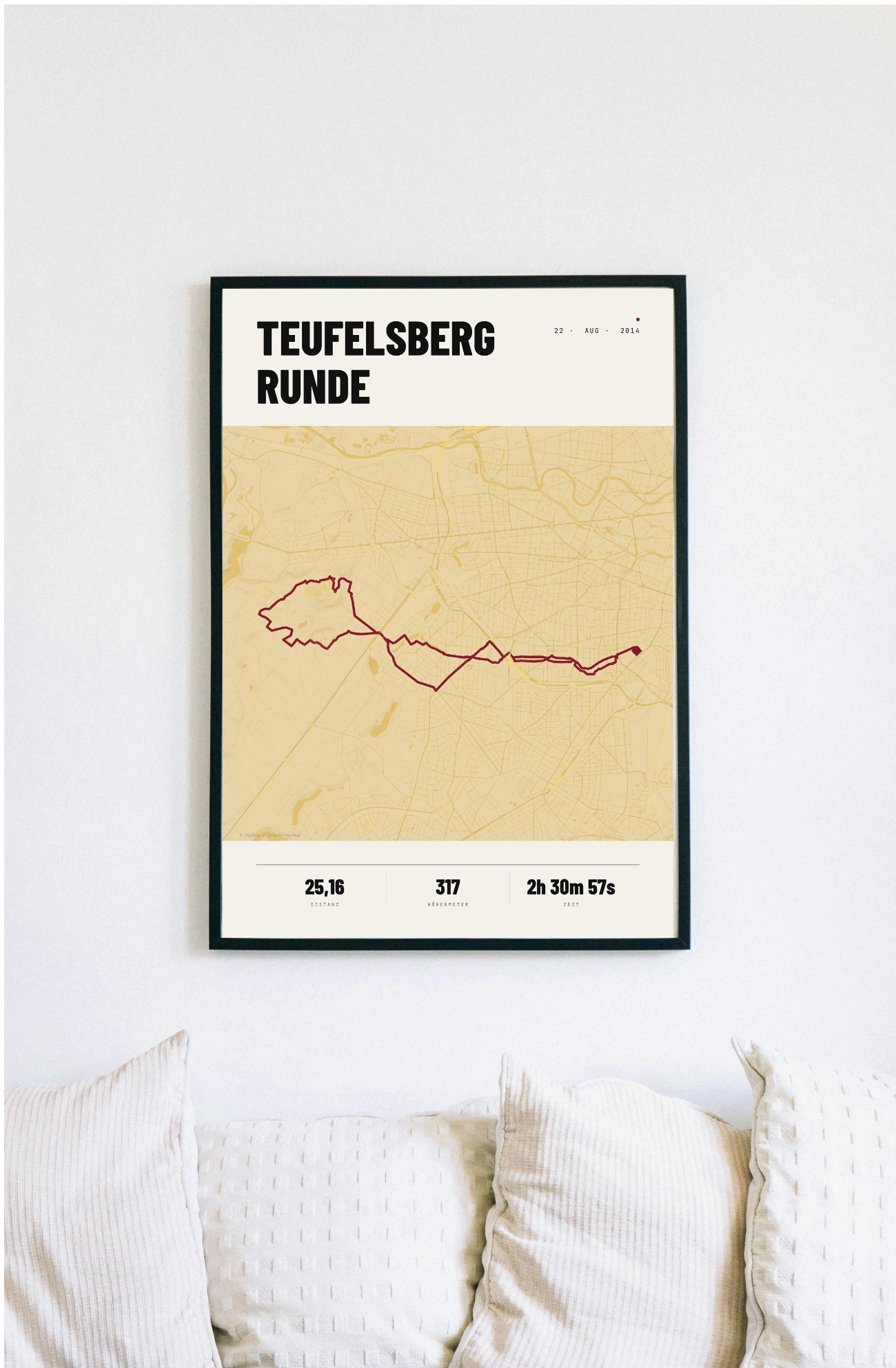
Turn your Strava activities into unique works of art. Turn your runs, cycle rides or hikes into high-quality posters printed on premium paper.
Free shipping · 200 g/m² paper · Printing near you
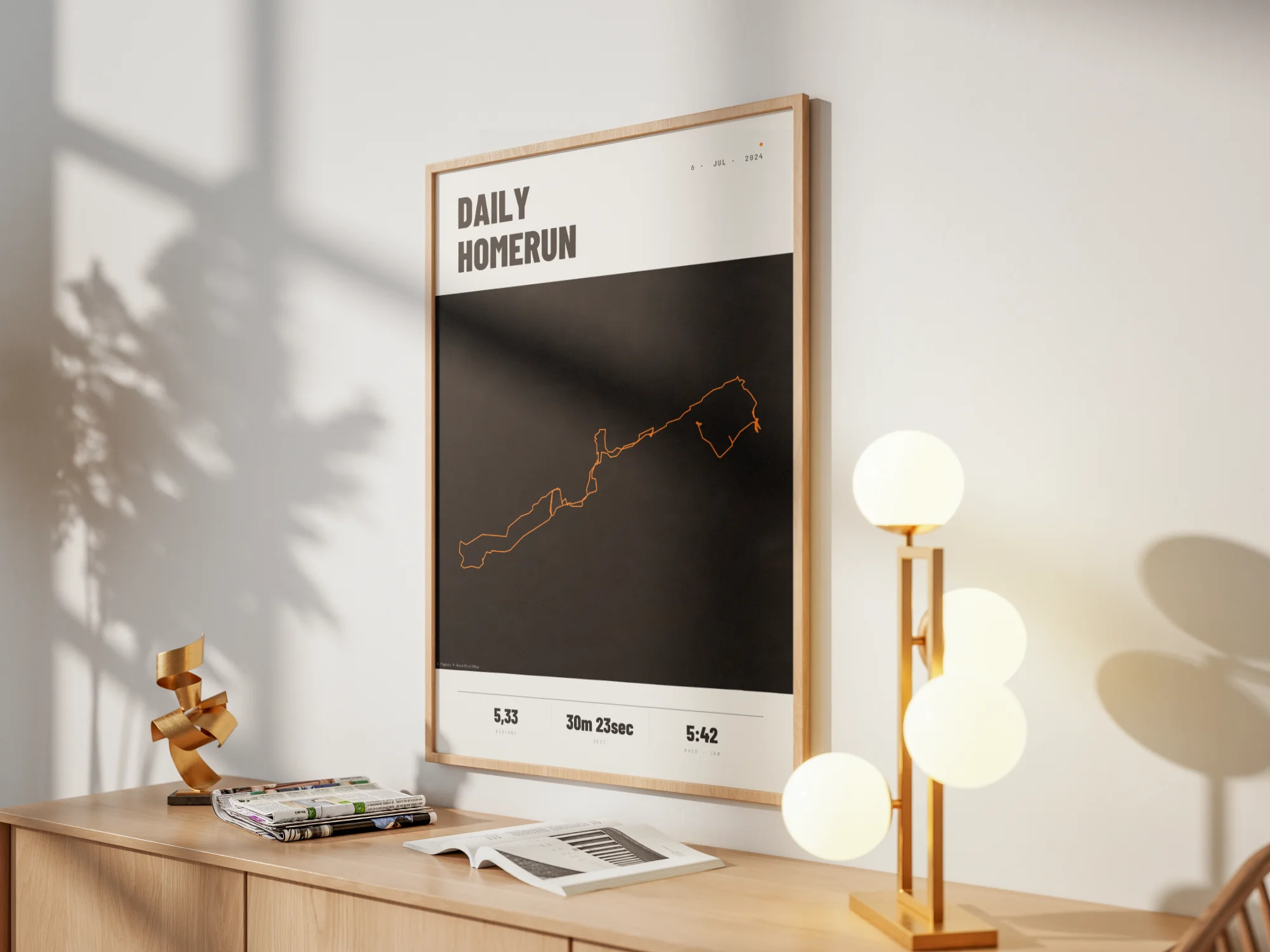
This is what your
Strava Poster from.
A poster that needs no explanation. Minimalist typography, clean lines, high-quality paper — designed to hang next to your favourite picture, not to be tucked away in a drawer.
Premium Paper.
200 g/m², silk finish – FSC-certified, colourfast and durable. Made for the wall, not for the drawer.
FSC-certified
Studio quality
Format
Your format.
Your choice.
- PDF, print-ready · 300 DPI
- Download link available after payment
- Print yourself or at a local print shop
- 200 g/m², silk finish
- FSC-certified · sustainable
- Sturdy protective packaging
- Free shipping
- Slim black aluminium frame (10 mm)
- Shatter-proof plexiglass
- Paper: 200 g/m², satin
- Hanging kit included · ready to hang
Here's how to create your
Strava Poster.
Upload data
Open your activity on strava.com, click on the three dots (…) and select ‘Export GPX’. That’s it.
Design
Choose a style, adjust colors, set a title. Live preview, unlimited iterations — until it's just right.
Order
Order as a 200 g/m² premium print or download the print-ready PDF (300 dpi) straight away.
Two ways.
A result.
Printed & sent.
- 200 g/m², silk finish, FSC-certified
- 4 sizes: 8x12" · 12x18" · 20x28" · 28x40"
- Sturdy protective packaging
- Colourfast — robust and durable
Ready for printing PDF.
- 300 dpi, CMYK & RGB profile
- Available immediately upon payment
- Print it yourself or use a printing service
- Download link via email
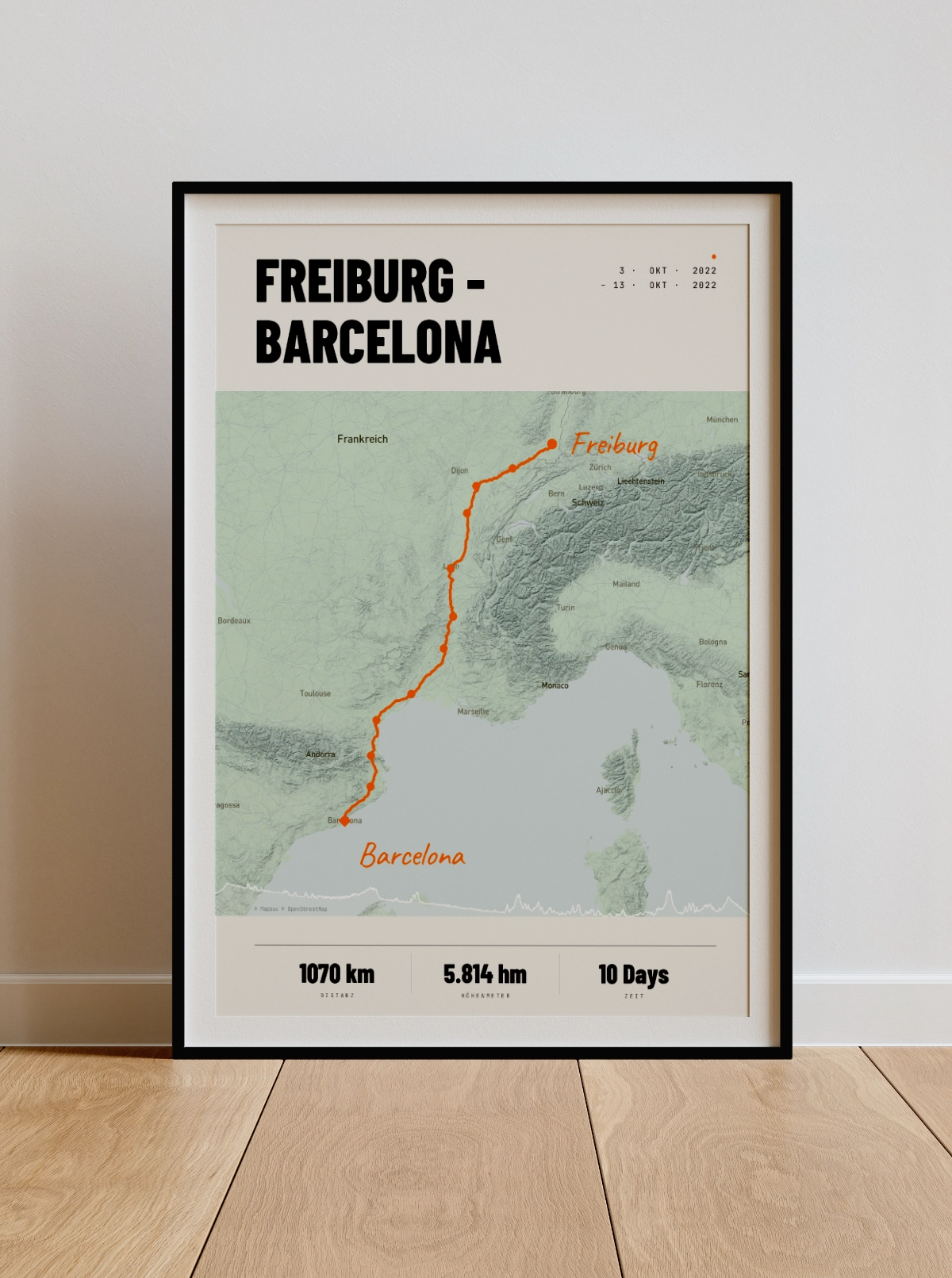
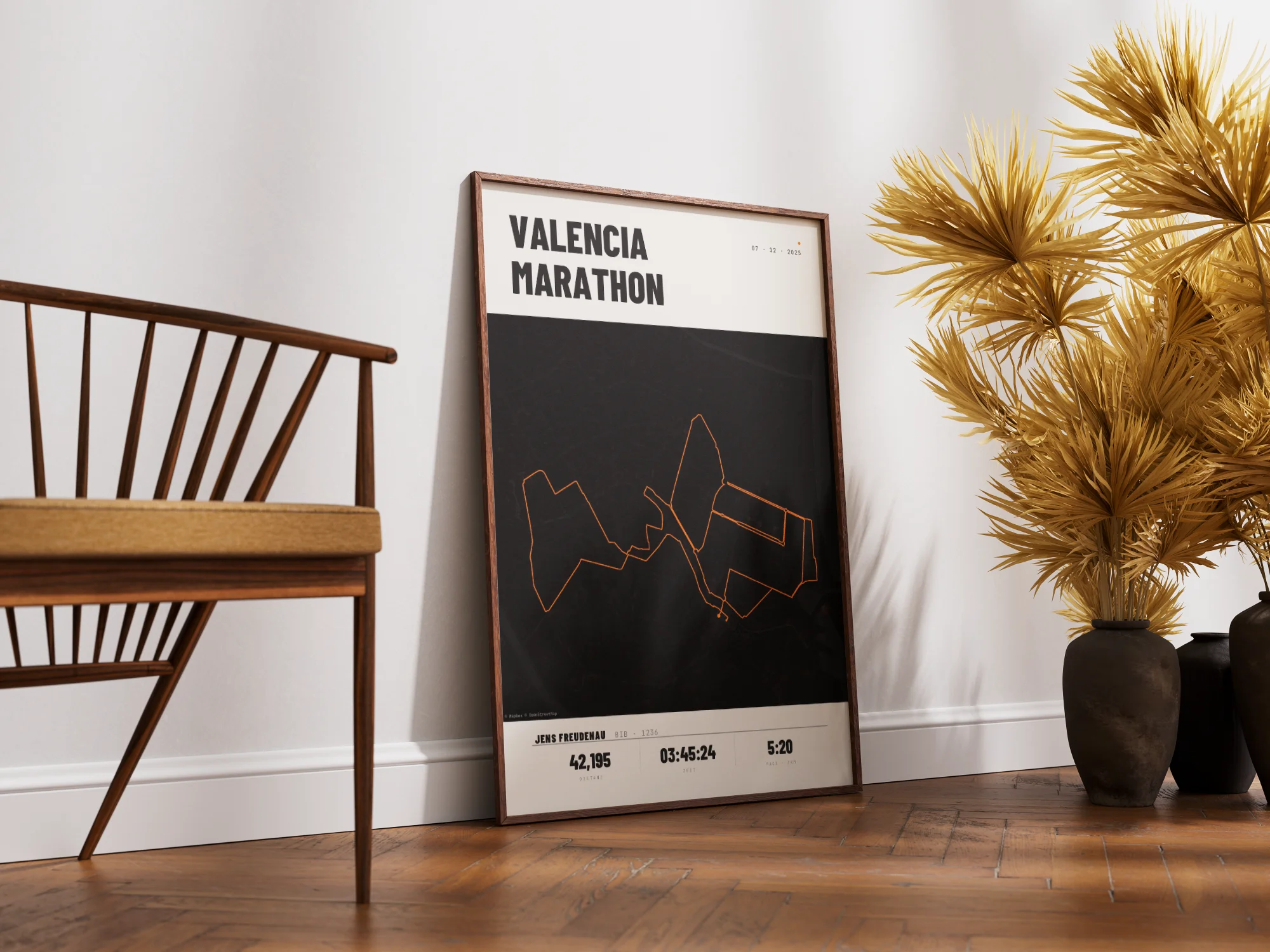
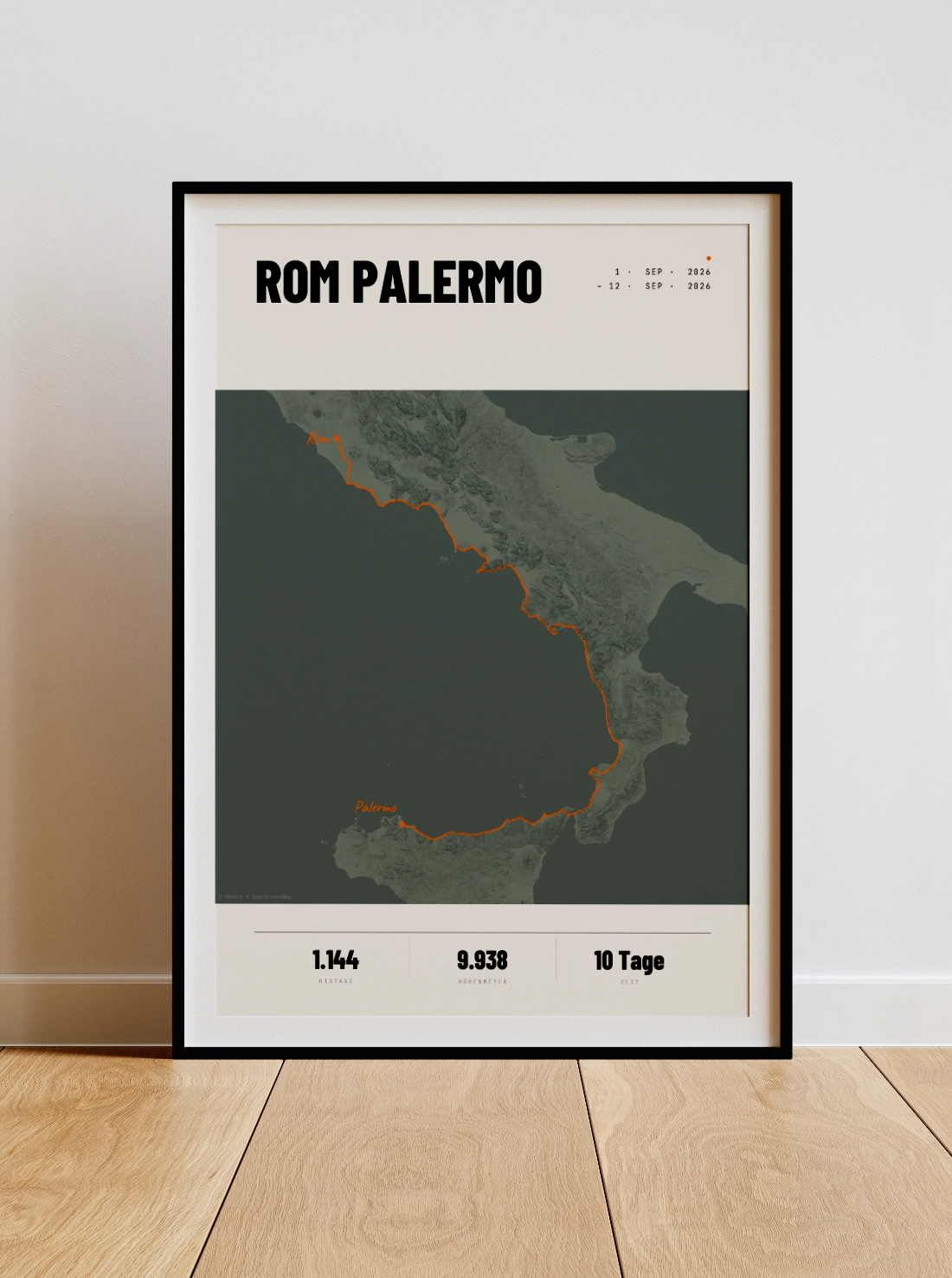
Create your Strava route
Back to the original.
Upload your GPX file or export it directly from Strava — and design your own personalised poster in just a few minutes.
Design Your Poster Now