
GPX Route Poster
create.
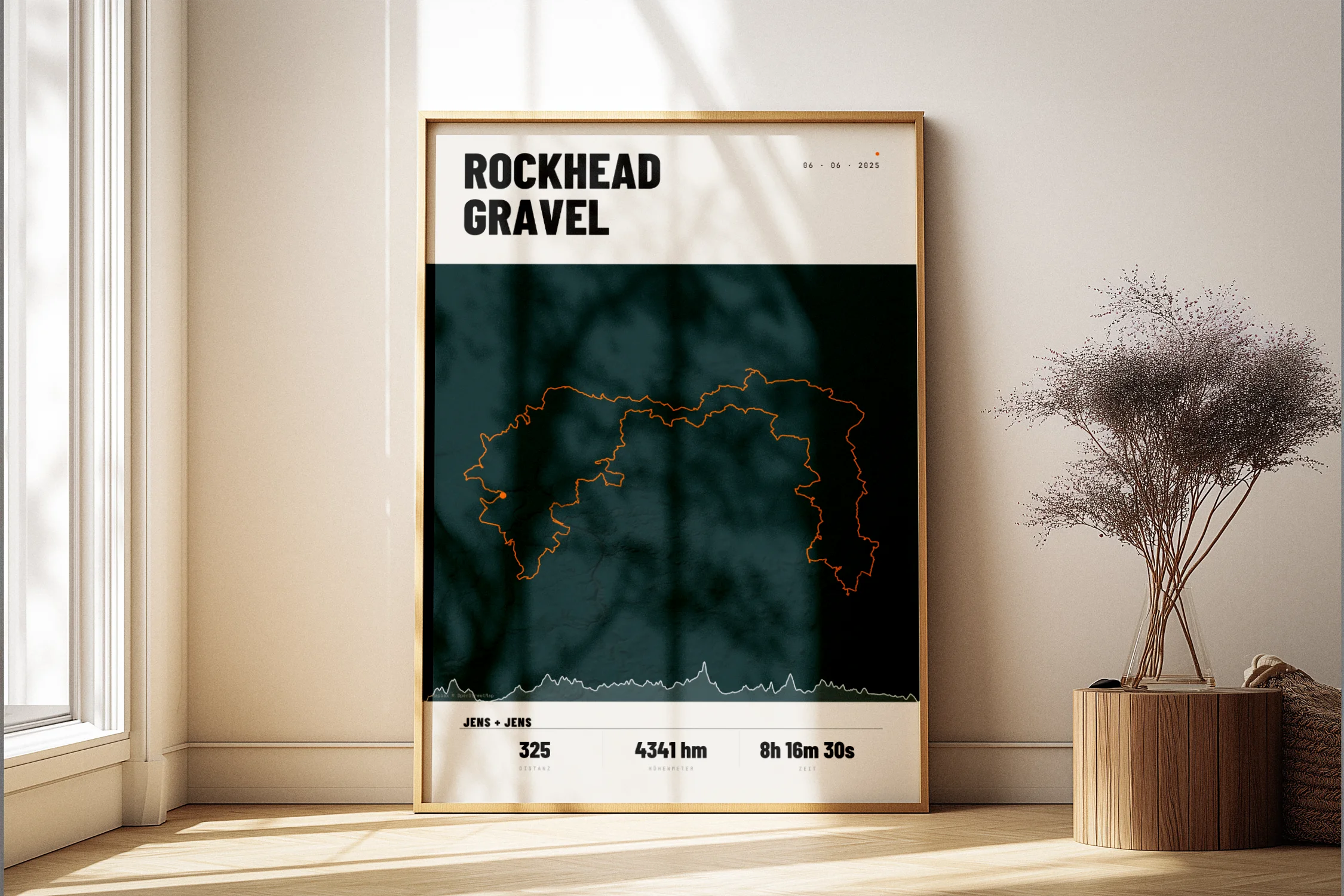
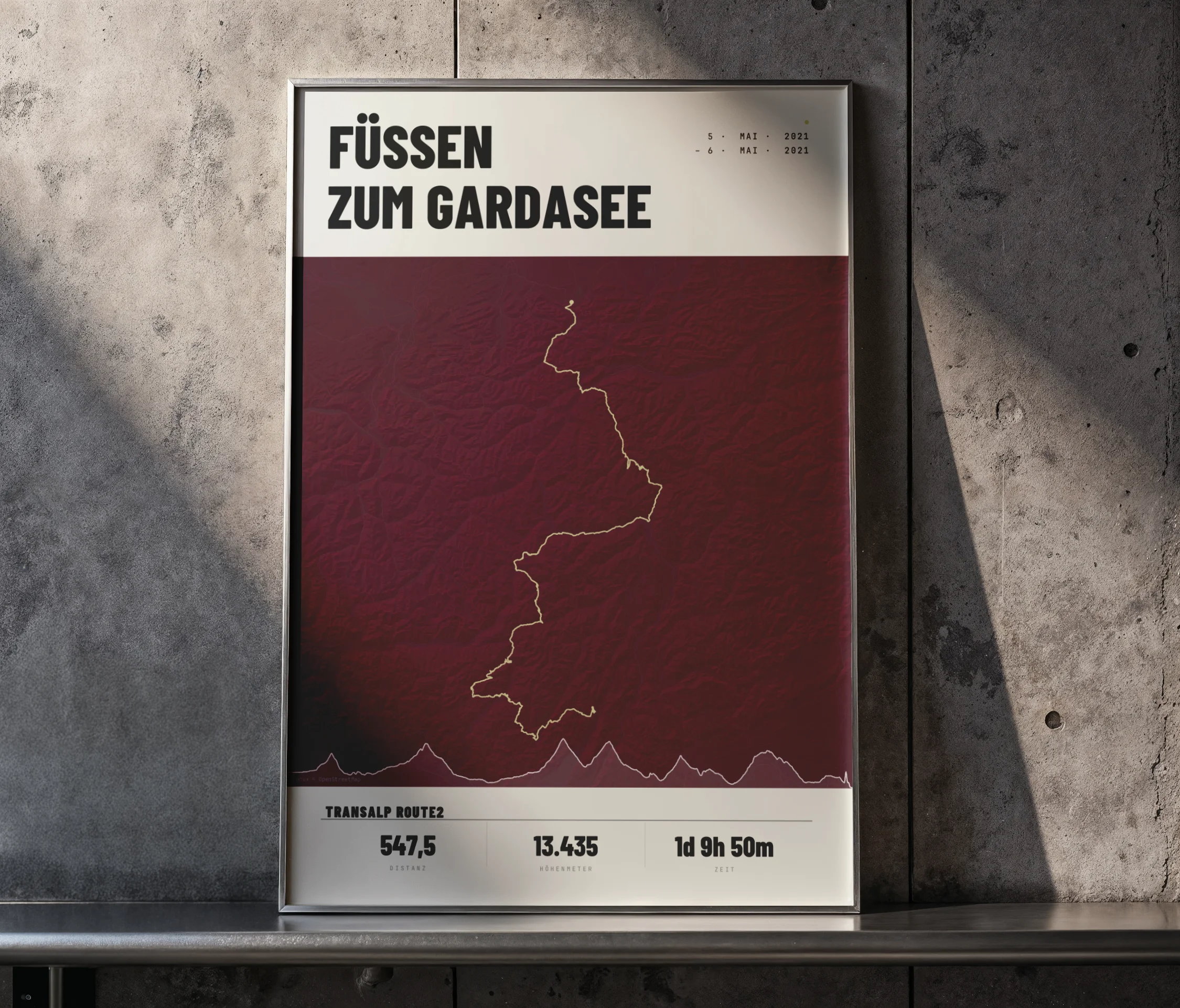
Turn any GPX route into a personalised poster. Whether it’s a hike, a cycle ride, a run or a triathlon – upload your GPX file and get a unique poster of your route.
Free shipping · 200 g/m² paper · Printing near you · Large & multiple GPX/FIT files
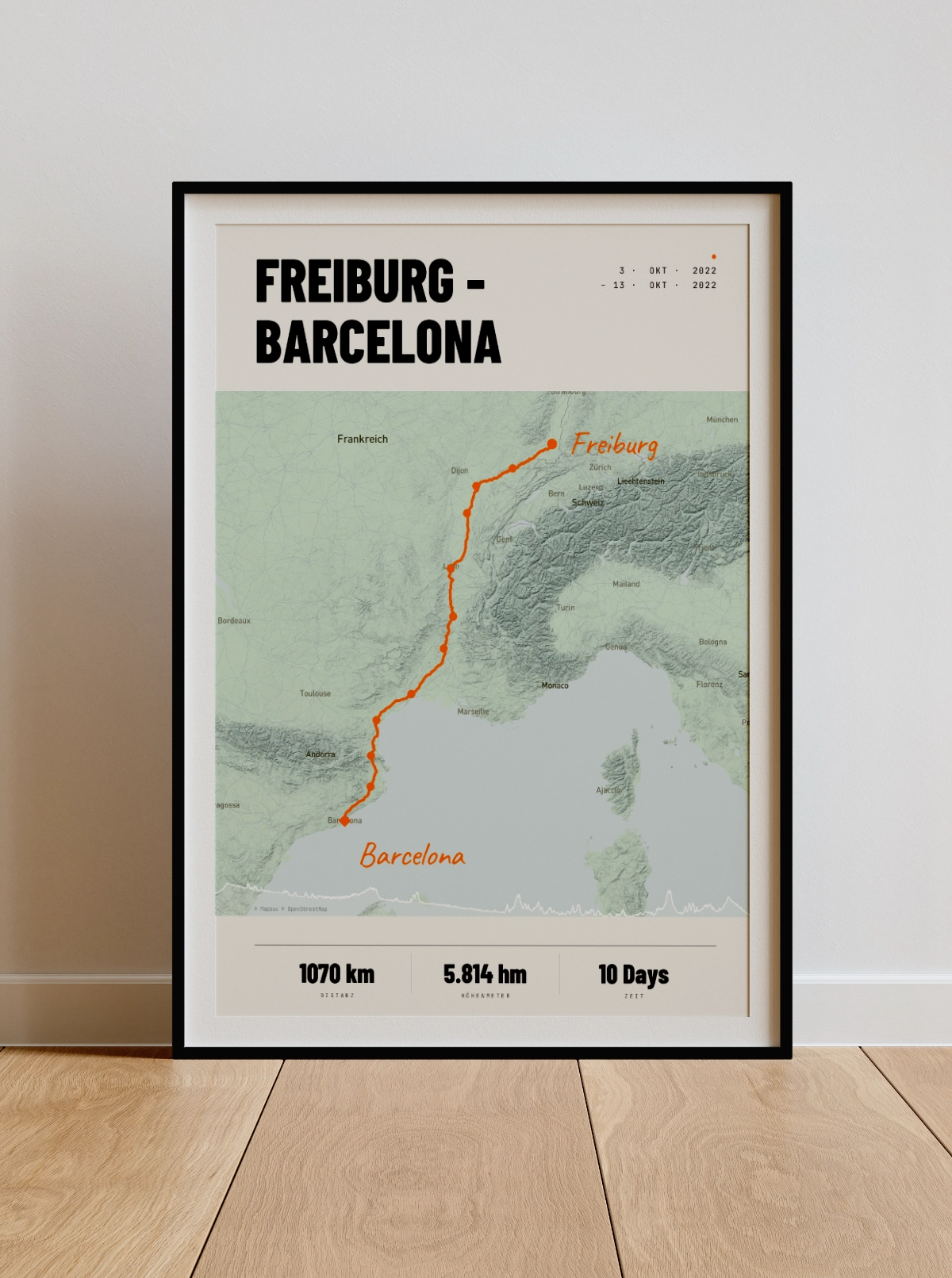
This is what your
GPX Route Poster from.
A poster that needs no explanation. Minimalist typography, clean lines, high-quality paper — designed to hang next to your favourite picture, not to be tucked away in a drawer.
Premium Paper.
200 g/m², silk finish – FSC-certified, colourfast and durable. Made for the wall, not for the drawer.
FSC-certified
Studio quality
Format
Your format.
Your choice.
- PDF, print-ready · 300 DPI
- Download link available after payment
- Print yourself or at a local print shop
- 200 g/m², silk finish
- FSC-certified · sustainable
- Sturdy protective packaging
- Free shipping
- Slim black aluminium frame (10 mm)
- Shatter-proof plexiglass
- Paper: 200 g/m², satin
- Hanging kit included · ready to hang
Here's how to create your
GPX Route Poster.
Upload data
Export your ride from Komoot, Strava, Garmin or Wahoo — or link your account directly with a single click.
Design
Choose a style, adjust colors, set a title. Live preview, unlimited iterations — until it's just right.
Order
Order as a 200 g/m² premium print or download the print-ready PDF (300 dpi) straight away.
Two ways.
A result.
Printed & sent.
- 200 g/m², silk finish, FSC-certified
- 4 sizes: 8x12" · 12x18" · 20x28" · 28x40"
- Sturdy protective packaging
- Colourfast — robust and durable
Ready for printing PDF.
- 300 dpi, CMYK & RGB profile
- Available immediately upon payment
- Print it yourself or use a printing service
- Download link via email
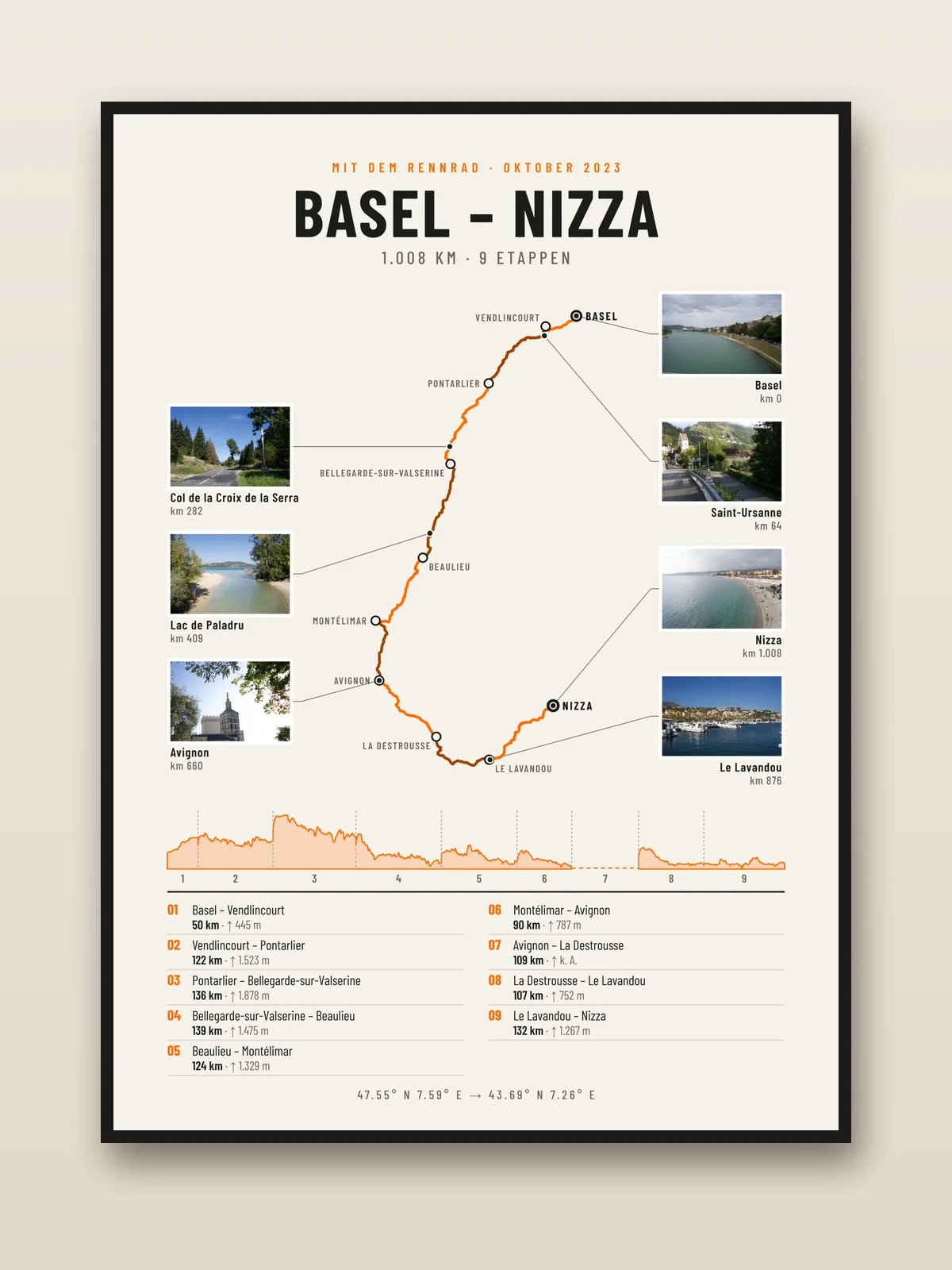
Every day on its own: the stage poster.
Here your route becomes one continuous line. If every day should be visible, choose the stage poster: map with every stage town, elevation profile, list of all stages with distance and climbing – and your photos where you took them, if you like.
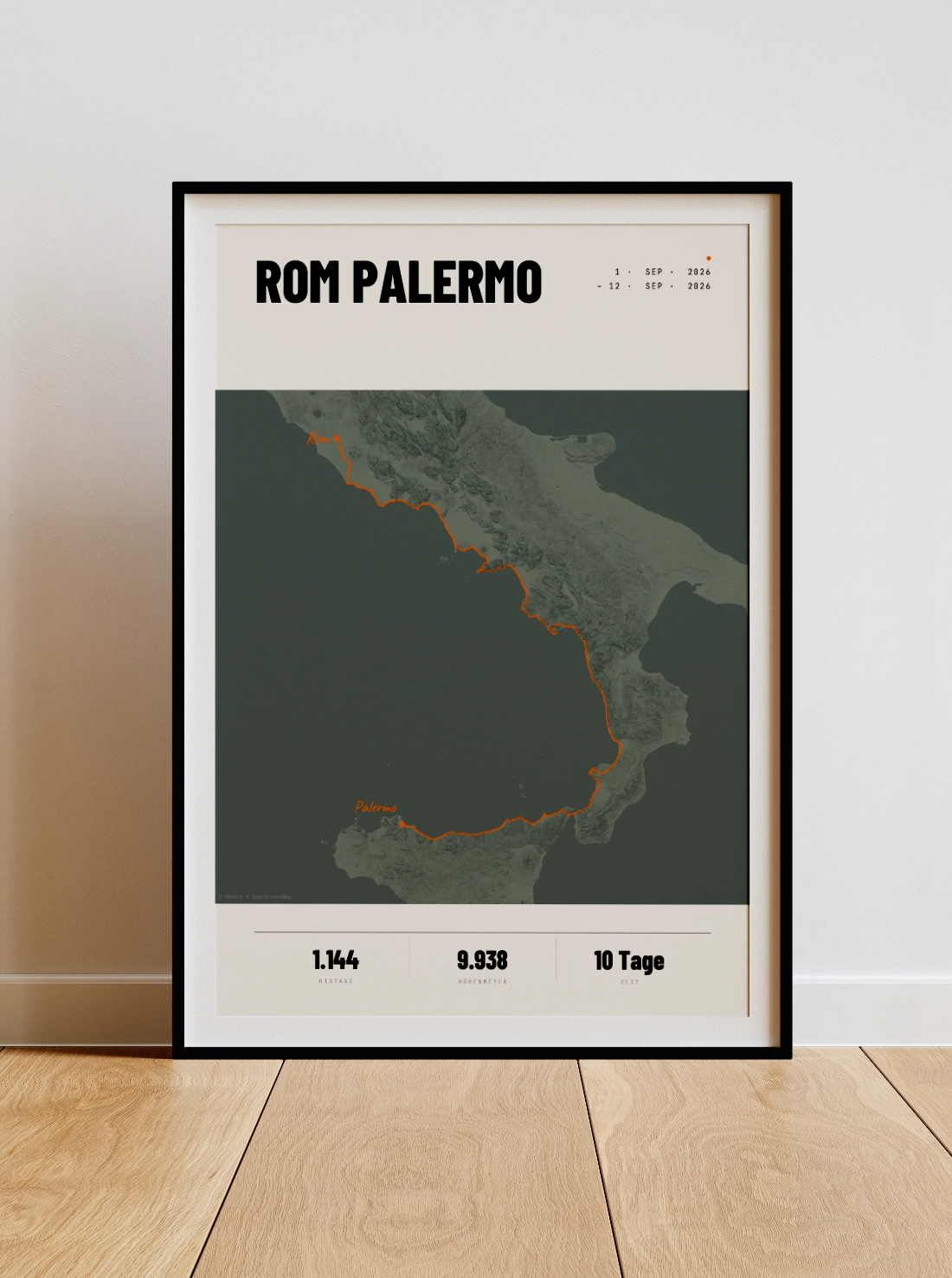
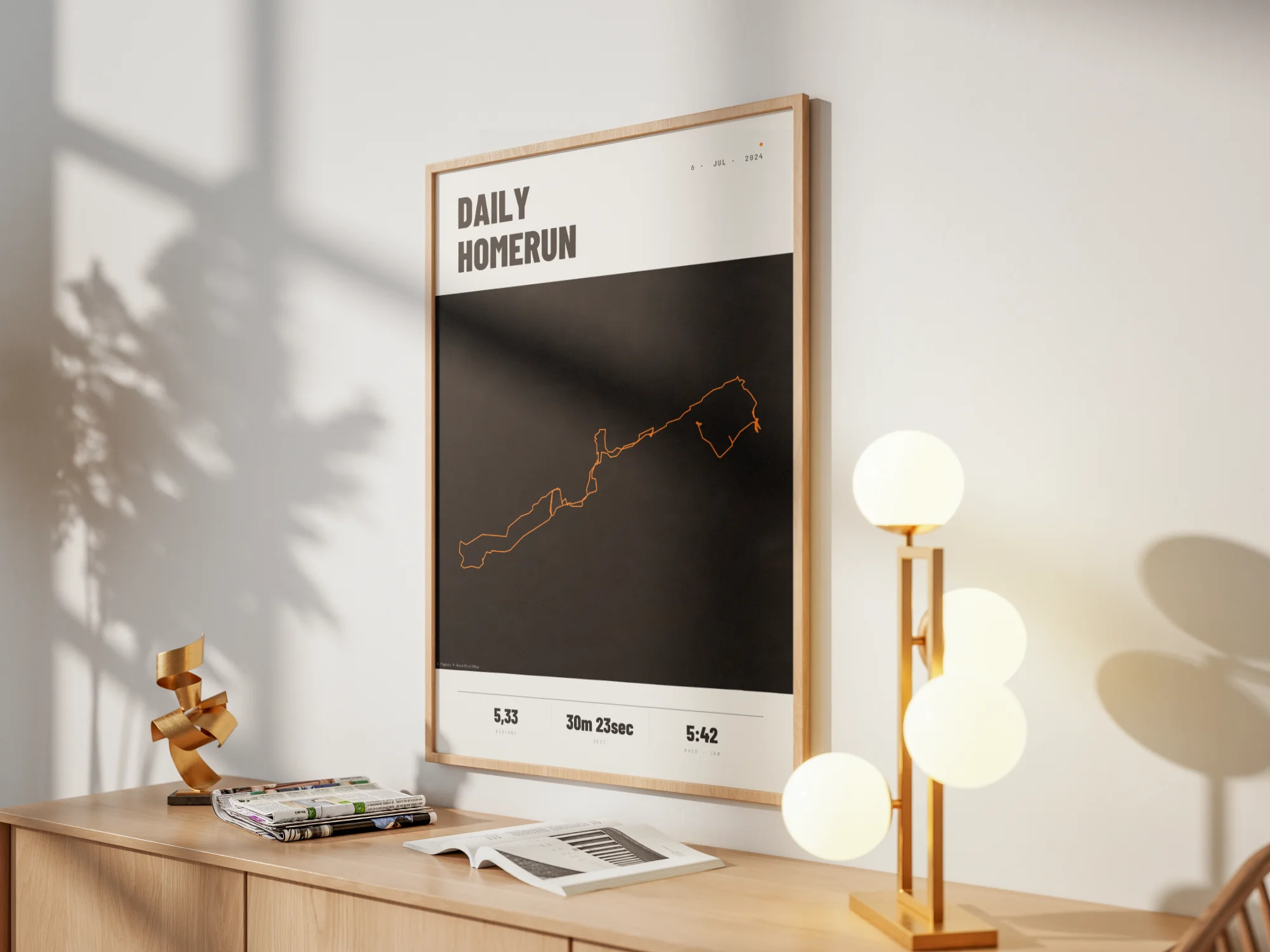
Plan your route
Back to the original.
Lade deine GPX-Datei hoch oder verbinde dich mit Strava — und gestalte in wenigen Minuten dein persönliches GPX Route Poster.
Design Your Poster Now